Build trust in your brand with beautiful, customizable status pages

Publish live uptime on a page your customers can check for themselves, with your branding, incident updates and planned maintenance. The free plan includes three status pages on a domain you own.

*No credit card required, seriously.

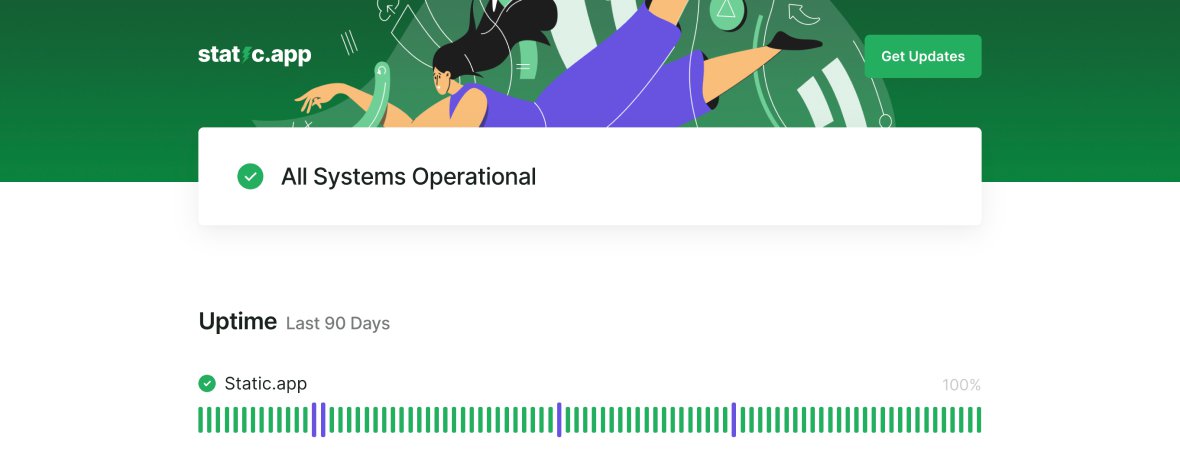
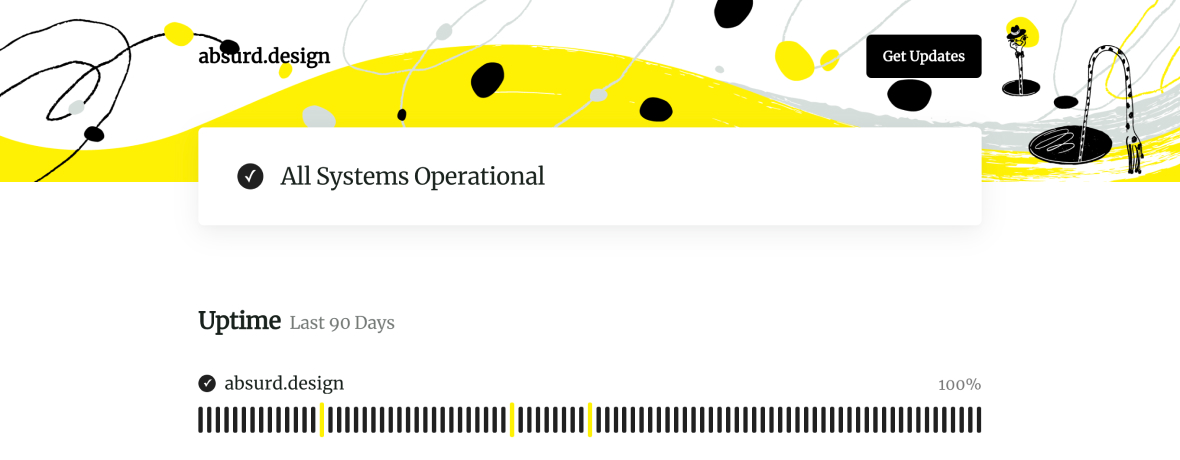
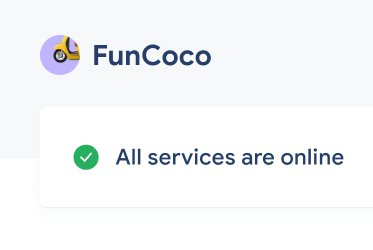
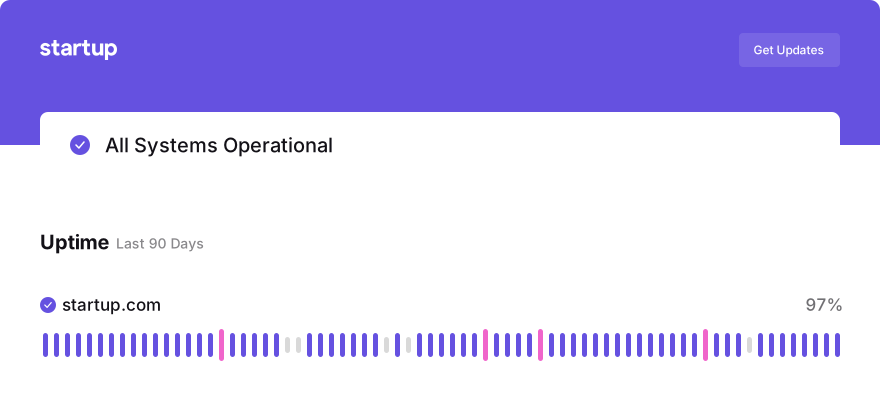
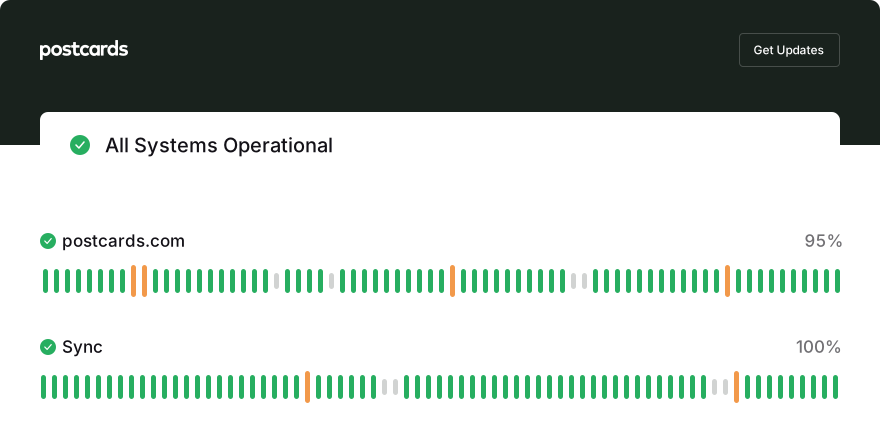
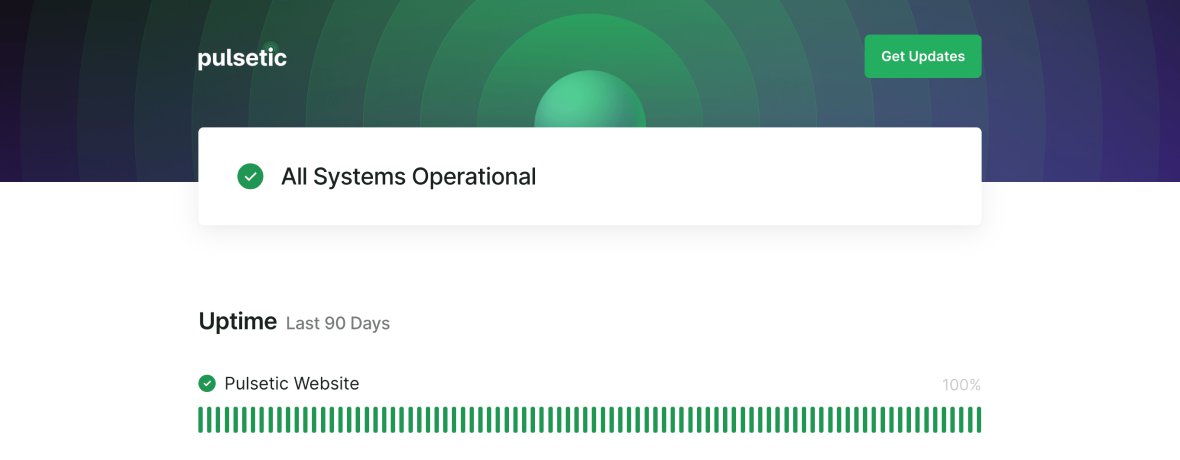
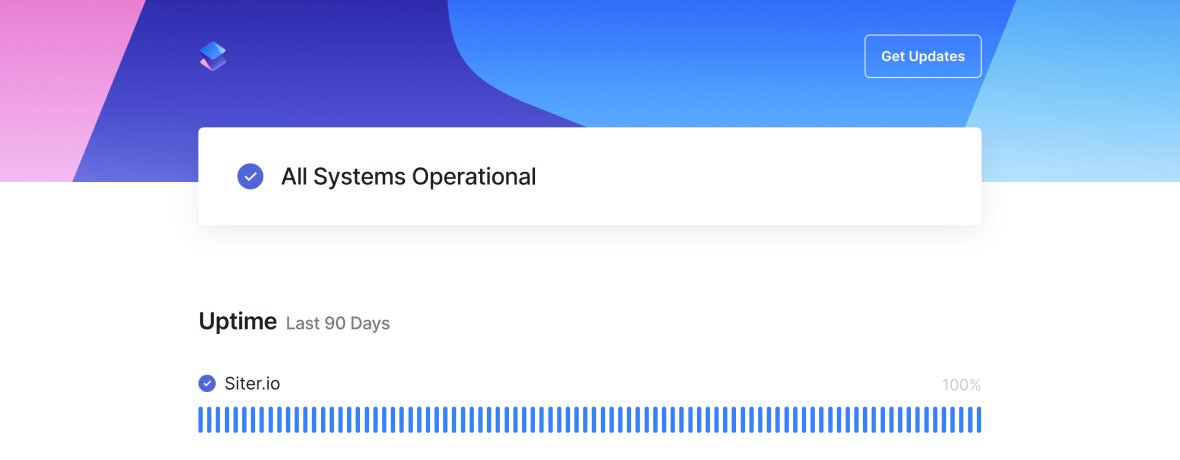
  • Example of a branded Pulsetic status page
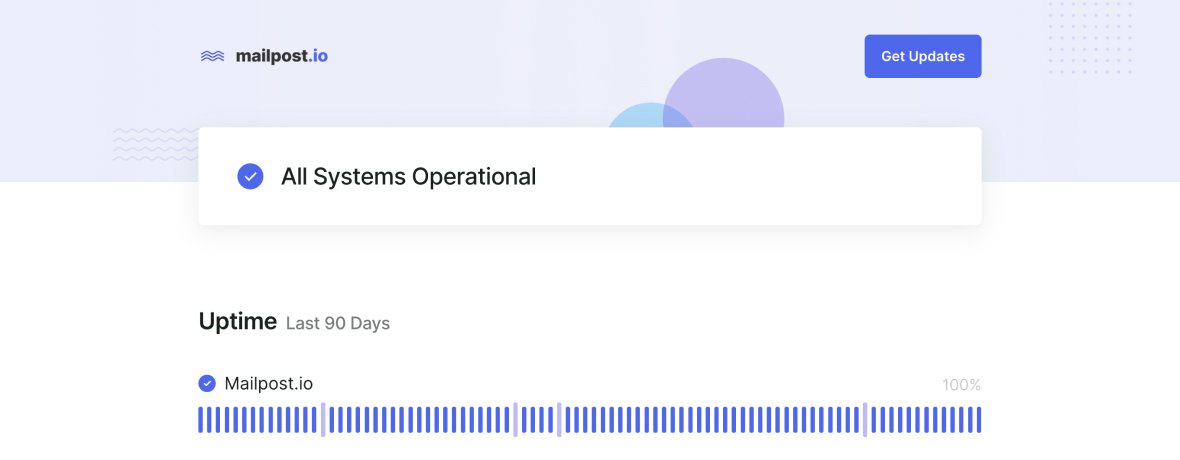
  • Example of a branded Pulsetic status page
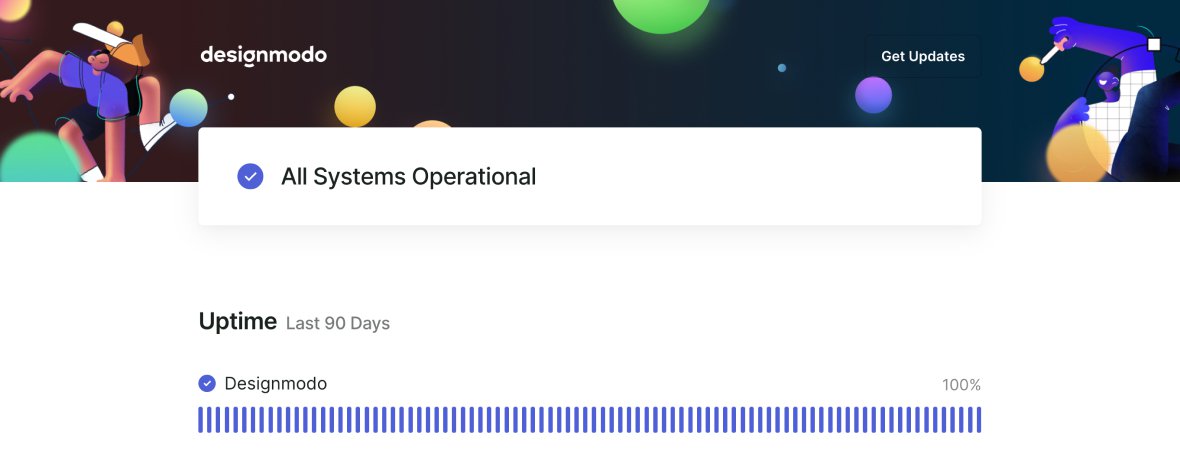
  • Example of a branded Pulsetic status page
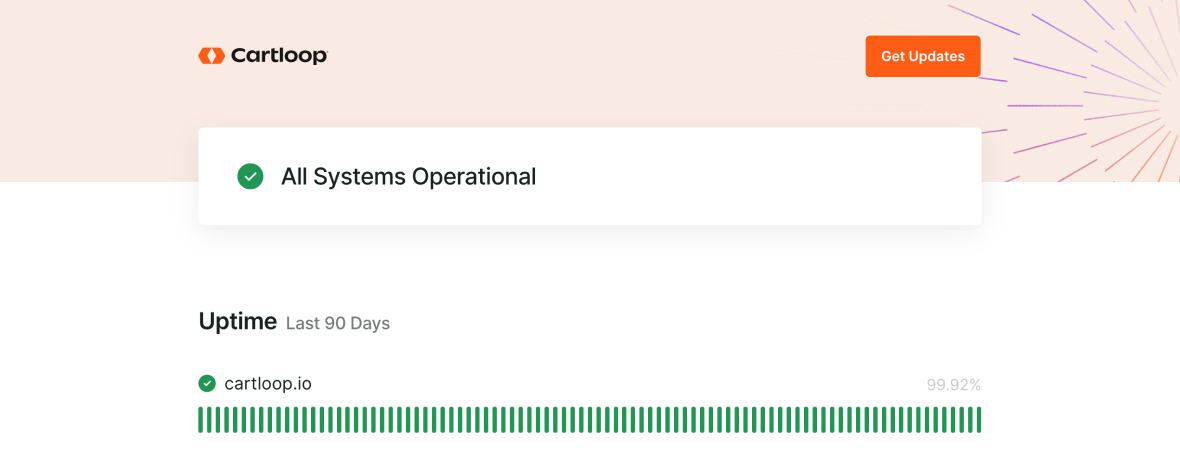
  • Example of a branded Pulsetic status page
  • Example of a branded Pulsetic status page
  • Example of a branded Pulsetic status page
  • Example of a branded Pulsetic status page

Everything your status page can carry

  • Make sure everyone’s in the loop

    Make sure everyone’s in the loop

    Report problems and keep customers up to speed on what's happening with your service, so you can maintain all-important trust in your brand.

  • Customize status pages with no coding

    Customize status pages with no coding

    Your website, your brand. Set your logo, your brand colors and the page layout, light or dark, with no code and no hosting.

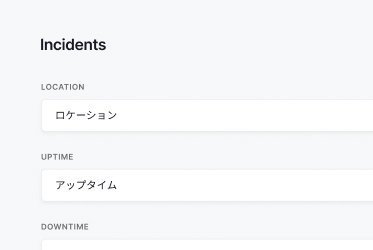
  • The Translate screen with fields filled in Japanese

    Speak your customers’ language

    Translate the page on every plan, the free one included: pick one of 50 languages and its status messages, labels, section text and dates fill in, then adjust any wording. If you send subscriber emails, they follow the same settings.

  • Get set up in minutes

    Get set up in minutes

    Create a page, choose the monitors it shows and point a subdomain at it with a single CNAME record. The custom domain is included on every plan, the free one included.

  • No more duplicate support tickets

    No more duplicate support tickets

    Communicating proactively means you can avoid a flood of duplicate support inquiries whenever there’s an issue. One update reaches both your page and your subscribers’ inboxes.

  • Send notifications to subscribers

    Send notifications to subscribers

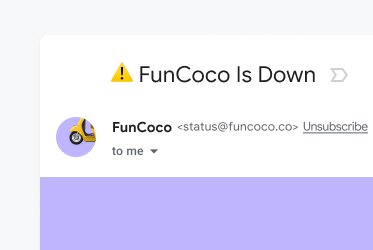
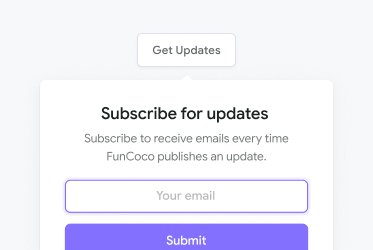
    Visitors opt in and are emailed as an incident opens, updates and resolves. Up to 10,000 subscribers are included, and you can add more.

  • Prove your reliability

    Prove your reliability

    Embed a status badge in your app or your docs and show uptime from the history behind the page, up to five years.

  • Resolve incidents faster with your team

    Resolve incidents faster with your team

    Bring the people who fix things into the same account and work the incident together, each with the access their role needs.

  • Choose what appears on your page

    Choose what appears on your page

    You’re in control: decide which elements of your service should be on your status page and order them however you like.

  • Private status pages

    Private status pages

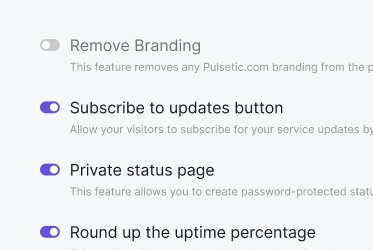
    Keep a page inside the business: opt it out of search engines and gate it with a password, or put it behind single sign-on so viewers open it with their normal work login.

  • Better communication.
    Happier customers.

How to build a status page in four steps

It is a fifteen-minute job the first time, and most of that is deciding what belongs on the page.

  • Decide what to show

    Point Pulsetic at the URLs, ports and certificates you already monitor, then choose which of them belong on a customer-facing page and the order they appear in. Not everything you watch is something a customer needs to see.

  • Put it on your own address

    Pick a subdomain such as status.yourdomain.com and add a single CNAME record at your DNS provider. Use a subdomain rather than a root domain, because a CNAME cannot sit alongside the records a root domain already carries. The custom domain is included on every plan, the free one included.

  • Make it yours

    Upload your logo, set your brand colors, choose light or dark and arrange the layout. No CSS and no hosting, and Pulsetic branding can come off completely. On every plan, the free one included, you can put the page’s labels and dates in your customers’ language.

  • Tell people it exists

    A status page nobody knows about will not save you a single support ticket. Link it from your app, your footer and your support replies. You can also embed a status badge showing the current state, and visitors can subscribe and be emailed as an incident opens, updates and resolves.

Tell people before you take the service down

Planned work that nobody announced looks exactly like an outage. The difference is not technical, it is whether the notice went up first.

  • Schedule the window in advance

    Create the maintenance window before the work starts and it appears on the page as upcoming, then as in progress. Subscribers are emailed about it the same way they are emailed about an incident. The dashboard assistant can schedule one for you if you would rather just ask for it.

  • Templates and AI for the wording

    Most status updates are the default text nobody edited. Start from a ready-made message template, or write one rough line and let the AI assistant fix the grammar and the tone. Both work on status, incident and maintenance updates. We also published eight maintenance message templates.

  • Separate planned from broken

    A window on the page tells a customer that the thing they cannot reach is expected and will be back. That is a different message from service degradation, and mixing the two is how a status page loses the trust it was built for.

Public page, private page, or one of each

Not every service should broadcast its status to the open internet. Internal tools, client work and anything under NDA usually should not.

  • Password protected

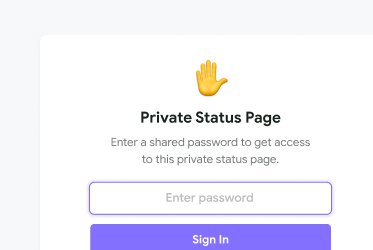
    Put a password in front of the page so only the people you share it with can open it.

  • Single sign-on

    A private page can sit behind single sign-on instead. Viewers open it with their normal work login, so there is no shared password to distribute, and none to rotate when somebody leaves.

  • Out of search results

    Search engine opt-out keeps a private page from appearing in search results at all, which matters more than a password for a page whose existence you would rather not advertise.

Make it look like your product,
not like ours

A status page is the one page customers read when they already suspect you of letting them down. It should not be the page that looks least like you.

  • Your logo, your colors

    Upload a logo, set brand colors and run the page light or dark. No CSS and no hosting, and Pulsetic branding can come off entirely.

  • Your address

    status.yourdomain.com rather than a link with our name in it, on every plan including the free one. Agencies can put a page on a client’s domain instead.

  • Your layout, your history

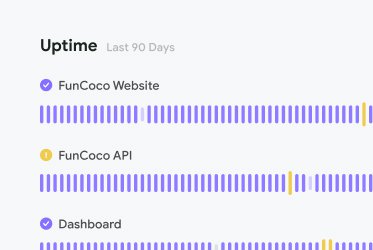
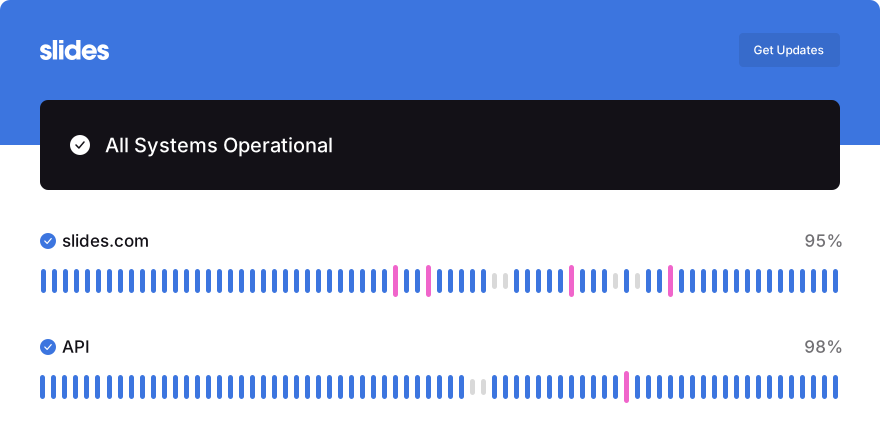
    Choose which services appear and in what order, and how much past uptime the page shows behind them, up to five years.

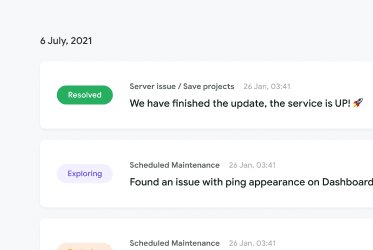
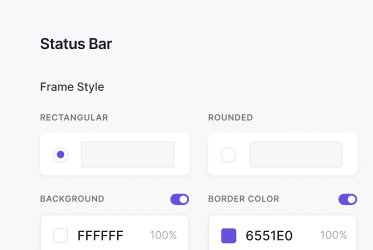
Status page with a custom logo and brand colors Status page uptime history showing past incidents Status page design settings for colors and layout

Put the page in your customers’ language

Every status page can show its status messages, labels and section text in one of 50 languages, with dates to match. Pick a language, every field fills in, then adjust any wording. It comes with every plan, the free one included. See how status page translation works.

  • Ready-made wording, yours to adjust

    On the page’s Translate screen, pick a language and the overall status messages, the uptime label and the text in the incidents section fill in. Change any of it to match how your team talks. Pages that use subscriber notifications or scheduled maintenance get fields for those buttons and that text too. Reset to defaults puts back the standard English.

  • Dates in the same language

    The date and time language follows the language you pick, so dates read like the words around them, and you can change it on its own. Subscriber emails follow the page’s language settings too.

  • One page per language

    Visitors get no language switcher. Monitor names and incident updates show exactly what you write. To reach customers in two languages, publish a page for each: the free plan includes three status pages, and you can upgrade for unlimited pages.

"Pulsetic made monitoring something I barely think about anymore. The interface is clean and the tracking is real-time, so I can glance at my site’s performance and get back to work."

Koen Kanters
Koen Kanters

Senior Software Engineer at ASML

"Pulsetic is easy-to-use and simple to get started. As an agency, I like that it includes unlimited status pages, because I can create one for each of my clients. Pulsetic includes every alert channel that I want, and advanced settings that give me greater confidence in the uptime. I can require that a response include certain text and respond within a certain timeframe in order for a site to be considered online. This gives me assurance that we would be notified if there were major performance issues or a bad deployment that made the site unusable. These features come with every paid plan, so our monthly bill is predictable. The API is a huge bonus on the teams plan. We have used it to add maintenance windows for certain monitors automatically based on events that happen in other software we use."
Christopher Morbitzer

CEO at NorthBuilt

"Pulsetic’s monitoring is easy to set up via their super clean, user-friendly UI. I was up and running within only a few minutes. A helpful knowledge base is available for webmasters to refer to if needed. Pulsetic’s pricing is also some of the most competitive in the industry. I highly recommend them for emerging and established agencies alike."

Scott Werley
Scott Werley

Owner at Sporulate Design

"Pulsetic is easy to set up and integrate. You don’t need much time to get it running. The interface is clear and simple. It’s easy to see what’s going on at a glance. The design looks great, too. I had no trouble finding what I needed and monitoring my sites is straightforward. If you want a simple tool that works well, Pulsetic is a good choice."

Aryo Sayogha
Aryo Sayogha

CEO at MBDC Media

"The monitoring tool we’ve been waiting for. Super easy to set up monitoring, customizable status page design, and access to notifications across Slack, email and SMS. Pulsetic is awesome."

Andrei Negrau
Andrei Negrau

CEO at Siena AI

"Tens of thousands of business owners from around the world rely on our service, and Pulsetic is the best platform there is to ensure we communicate any downtimes clearly and swiftly to our customers to avoid panic and disappointment. Getting setup on Pulsetic not only been smooth and easy but super joyful too, the design is stunning and customisable unlike any other monitoring platform we’ve used."

Leo Bassam
Leo Bassam

Founder, CEO at Plutio

"Pulsetic cut down our uptime monitoring work a lot. We automated uptime tracking and SLA reporting, which took a chunk of manual effort out of our monthly and annual reports. The Slack and email alerts let the team jump on problems quickly, and the API is what really sold us, since we point a dedicated health-check endpoint at it and pull uptime data straight into our internal workflows."

Mariana Kodama
Mariana Kodama

Treasurer, Fundacion Jorge Luis Borges

"There’s an easy way for you to monitor your online project. After all the hard work you have put into going live, you want to make sure that things keep running smoothly while you focus on the next project."

Chris Kalmar
Chris Kalmar

Founder at nineLemon

"Pulsetic is fast and genuinely easy to use. The UI is clean and has the features we actually needed, the status pages look good, and being able to route alerts to several channels was a real plus for us."

Akis Laopodis
Akis Laopodis

Founder at Qurioos

"Pulsetic helps us monitor all of our websites and webapps over at Pairing.dev. Before we used it, we had no idea how often services (e.g. heroku) were offline. Now we have complete control over it."

Till Carlos
Till Carlos

Founder at Pairing.dev

"Using Pulsetic is a big win for us! Our dev team can now deliver faster, with zero time spent monitoring our website uptime. Plus the interface is great and analytics proper."

Razvan Popescu
Razvan Popescu

Head of Marketing at AbstractAPI

  • Create a status page, step by step

    Create the page, add your monitors and publish the page customers check for themselves when something looks wrong.

    How to Create a Status Page for Your Website (Step by Step) · 2:45

  • How to Create a Status Page for Your Website (Step by Step)
  • Customize a Status Page: Logo, Links, Colours and CSS

    Customize a Status Page: Logo, Links, Colours and CSS

    Your logo, header links, colours and your own CSS. 1:19

  • How to Report an Incident on a Status Page (Start to Finish)

    How to Report an Incident on a Status Page (Start to Finish)

    The first report, updates as you learn more, and the all-clear. 2:56

  • How to Schedule a Maintenance Window on a Status Page

    How to Schedule a Maintenance Window on a Status Page

    Announce planned work and pause the monitors it covers. 2:02

Status page FAQ

  • What is a status page?

    A status page is a page you publish, separate from your product, that shows whether your service is working. It carries the current state of the things you monitor, updates while an incident is running, notice of planned maintenance, and a record of past uptime. Its job is to answer "is it you or is it me" before anyone opens a ticket. Because it is hosted away from your own infrastructure, it stays up when your product does not.

  • How do I create a status page?

    Add the monitors you want to show, choose which of them appear and in what order, then point a subdomain such as status.yourdomain.com at the page with a single CNAME record. You can then brand the page, invite subscribers and post updates. Creating a page and putting it on a domain you own is included on the free plan.

  • Is there a free status page plan, and what does it include?

    Yes, with no card and no time limit. The free plan includes three status pages, each on a domain you own, showing live status for the monitors you put on them, with three months of uptime and incident history behind it. You can also translate each page's labels and dates. Page customization, incident updates, scheduled maintenance, subscriber notifications, status badges, password protection and search engine opt-out come with the plans listed on the pricing page.

  • Can I use my own domain on the free plan?

    Yes. A custom domain is included on every plan, the free one included, which is not the norm in this market. Atlassian Statuspage, for example, does not offer a custom domain on its free plan and puts them on its Hobby plan at $29 a month. Use a subdomain such as status.yourdomain.com rather than a root domain, because a CNAME record cannot sit alongside the records a root domain already carries. Competitor plans checked September 2026.

  • Can I make the status page match my brand?

    You can set your logo, your brand colors and the page layout, and run the page light or dark, with no code and no hosting. White label takes Pulsetic branding off the page completely. The free plan uses the default design.

  • Can I publish my status page in another language?

    Yes, on every plan, the free one included. On the page's Translate screen, pick one of 50 languages and the overall status messages, the uptime label and the text in the incidents section fill in with ready-made wording, with dates and times to match. Then adjust any wording before you save. Pages that use subscriber notifications, scheduled maintenance or password protection get fields for those buttons and labels too, and subscriber emails follow the same settings.

  • Can one status page show more than one language?

    No. Each page has one set of wording and one date language, and visitors get no language switcher. To reach customers in two languages, publish a page for each, at its own address. The free plan includes three status pages, and you can upgrade for unlimited pages.

  • Can I schedule maintenance in advance?

    Yes. Create the window ahead of time and it appears on the page before the work starts, so a planned outage is never mistaken for a failure. Subscribers are emailed about it in the same way they are emailed about an incident.

  • Can I make a status page private?

    Yes. A page can be password protected and opted out of search engines, so it never appears in search results. Or a private page can sit behind single sign-on instead, so viewers open it with their normal work login and there is no shared password to distribute or rotate.

  • How do customers find out about an incident?

    Visitors subscribe to the page and are emailed automatically as an incident opens, updates and resolves. Up to 10,000 subscribers are included, and additional subscribers cost $0.01 each. Those emails can be sent from your own address through SMTP, Mailgun, SendGrid, Postmark, AWS SES, Lettermint or Resend.

  • How long is uptime history kept?

    Up to five years. The free plan keeps three months, and the pricing page lists how long each plan keeps it.

  • Can I manage status pages from code?

    Yes. The REST API covers monitors, status pages, incidents and alerts, ships an OpenAPI spec and authenticates with a token, so a deploy script can open an incident and close it again on its own. There is also an official MCP server, so an AI assistant can do the same, and an n8n integration for no-code automations.

Trusted by teams at companies around the world

  • image/svg+xml
  • image/svg+xml Mercedes-Benz logo
  • image/svg+xml
  • image/svg+xml